

01
Printability is the first requirement
Teaching time is the scarce resource. A forgiving grade matters more than an exotic one.
Type to search products, guides, downloads and case studies — results appear as you type.
Suggested
12 solution paths
7 walkthroughs
 Print Farm Scaling — Material Strategy Walkthrough
  Outdoor UV Stability — Enclosure Material Walkthrough
  Figurine Batch Consistency — Surface-Finish Walkthrough Educational Lab Deployment — Safe Material Walkthrough Industrial Jig Precision — Tolerance Walkthrough A European Print Farm — 40-Unit Consistency Overhaul A University Environmental Lab — Outdoor Sensor Enclosure
◆ Production scenario · Education
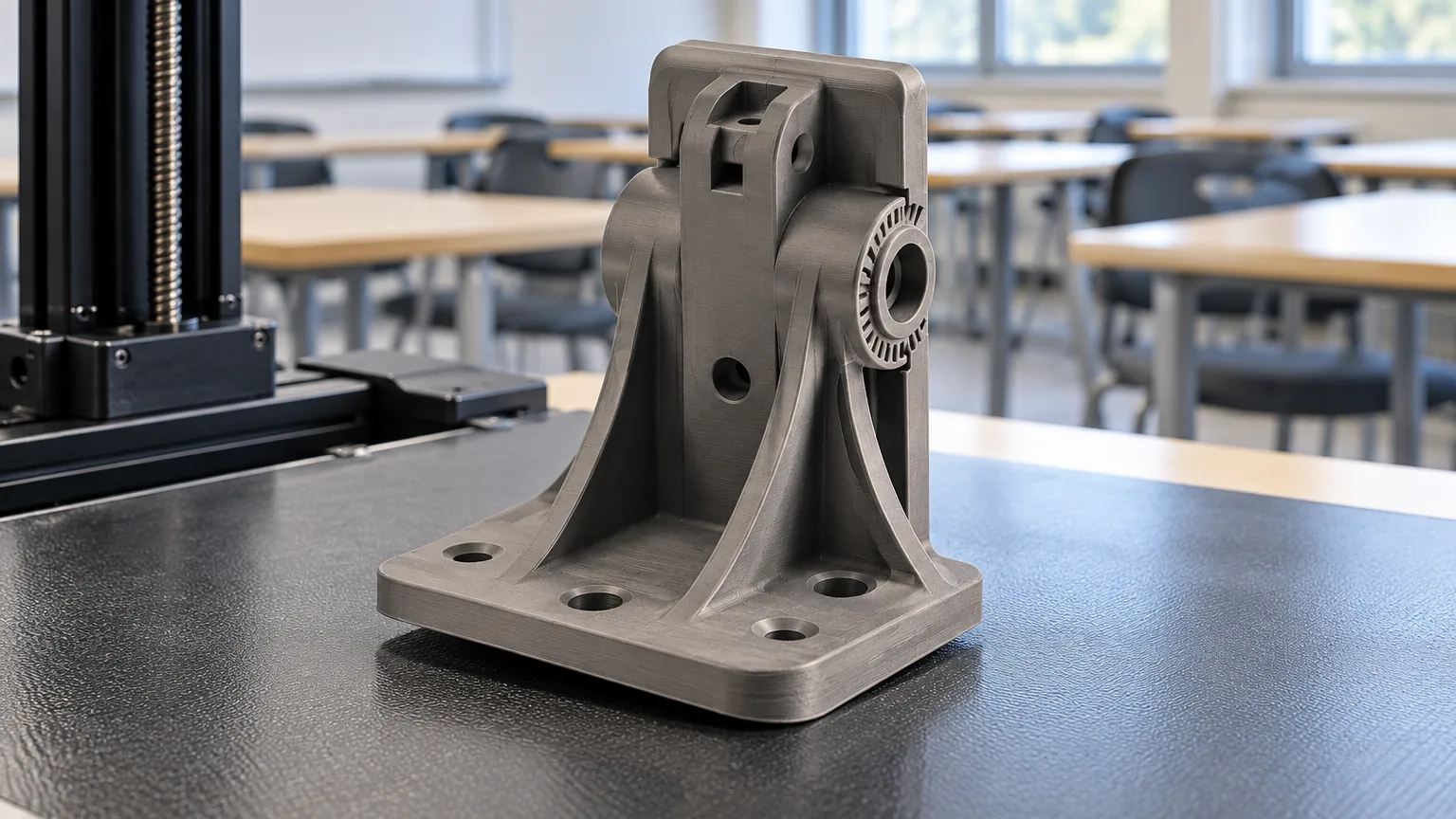
Easy-to-print grades with compliance documents on file, supplied in the volumes a makerspace actually consumes.
02 — What it actually costs
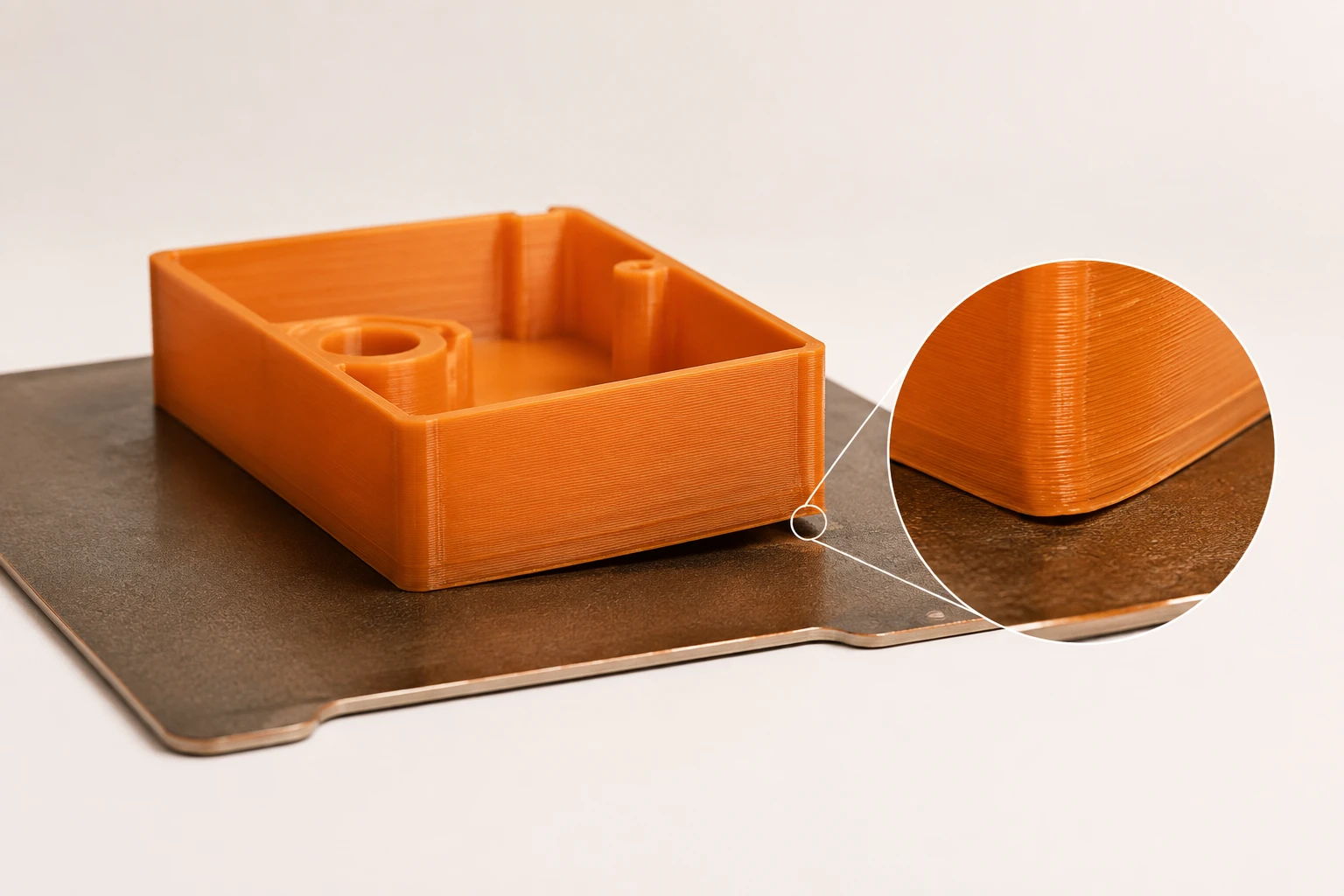
A warping grade means failed prints in front of a class
Inconsistent diameter causes jams that eat lab time
Without compliance documents, procurement cannot approve the purchase
03 — Why it happens
Teaching time is the scarce resource. A forgiving grade matters more than an exotic one.
Schools often require compliance documentation before an order can be placed at all. RoHS and REACH documents remove that blocker.
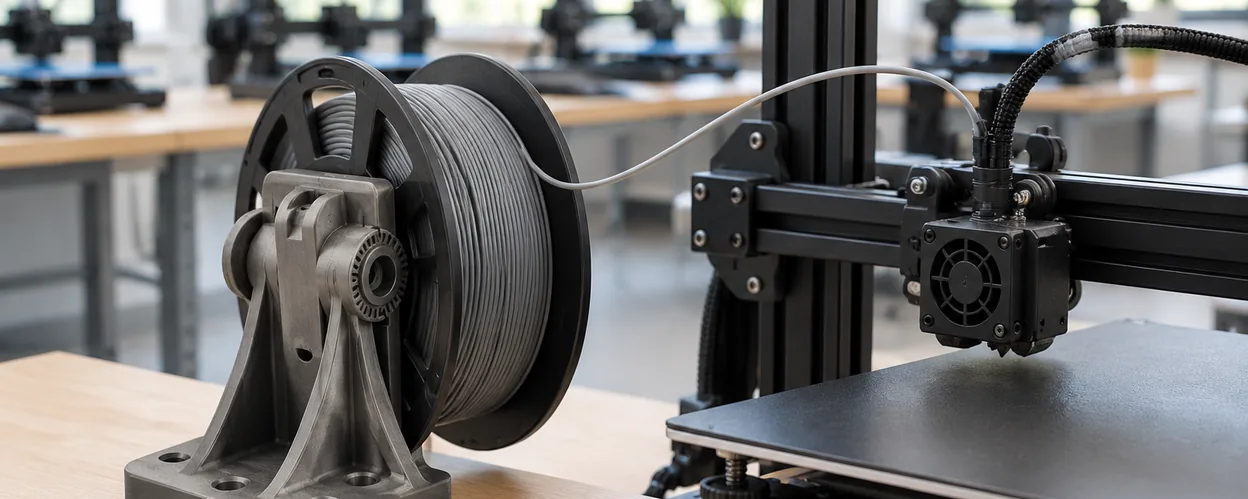
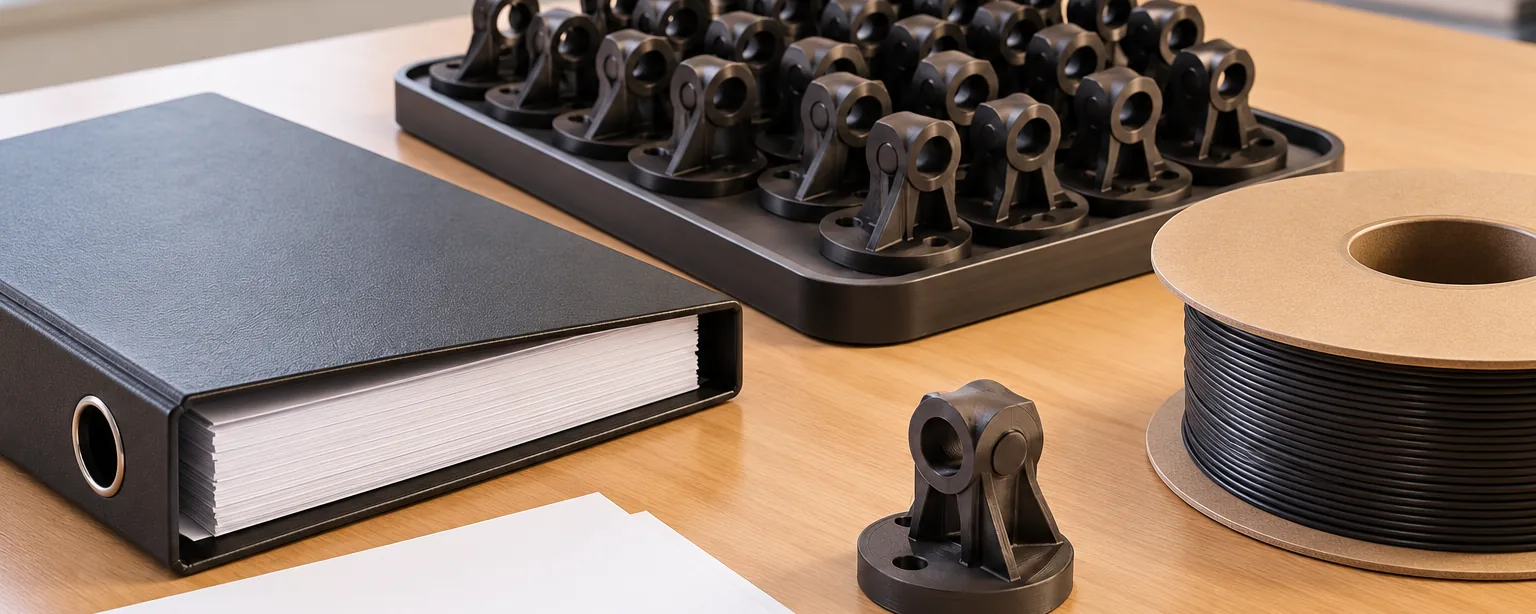
A spool that feeds consistently keeps a room of printers running without supervision.
04 — What we hold for you
RoHS, REACH and MSDS documentation available with your order.
We provide The paperwork procurement needs to approve the purchase
Grades with a wide printing window that tolerate varied machine setups.
We provide Fewer failed prints across a mixed fleet of printers
View material ↗Consistent lots for classrooms that print continuously.
We provide One material specification across every printer in the lab
View material ↗
05 — The materials
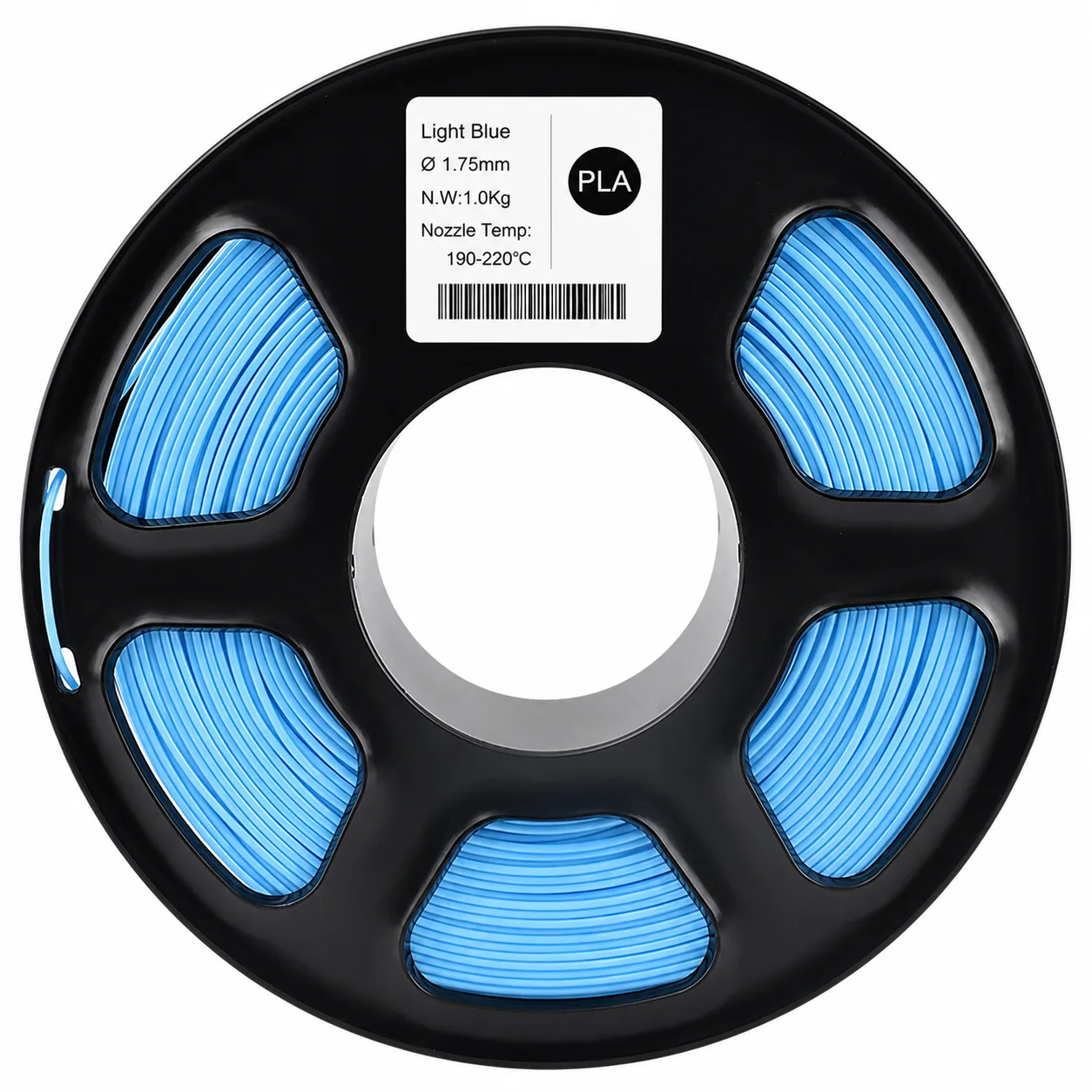
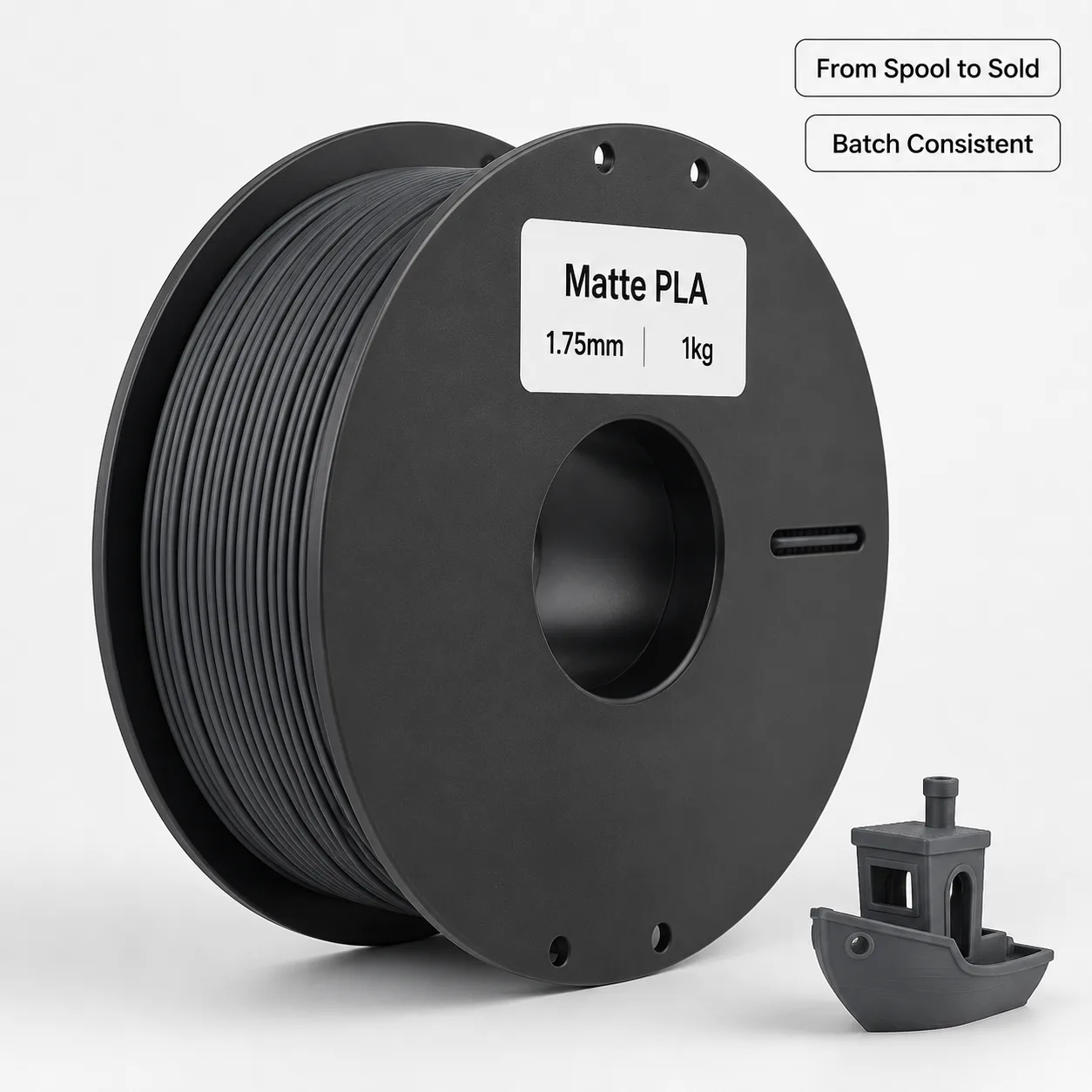
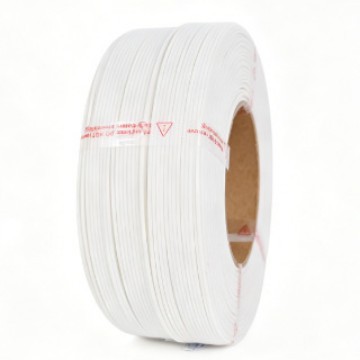
Core filament
Non-reflective finish that photographs well for student portfolios
View material ↗07 — The path
Day 1
Share your printer models, class sizes and ventilation situation.
Start a project →Day 2 to 3
We propose the grade and parameters for your machine mix.
Browse materials →Week 1
We send the RoHS, REACH and MSDS documents for procurement.
Download documents →Week 2 and beyond
Consistent lots through the school year, packed for storage.
See the workflow →
08 — Your first move
Get the documents procurement needs, plus a sample spool to test in your lab.
Reply within 24h · Sample-first ordering · We'll send you the Alibaba product link for final negotiation.
Check your email for our response. For pricing and formal orders, you can also visit our Alibaba store:
Visit Alibaba Store →Our form service is being upgraded — please reach us directly: [email protected]
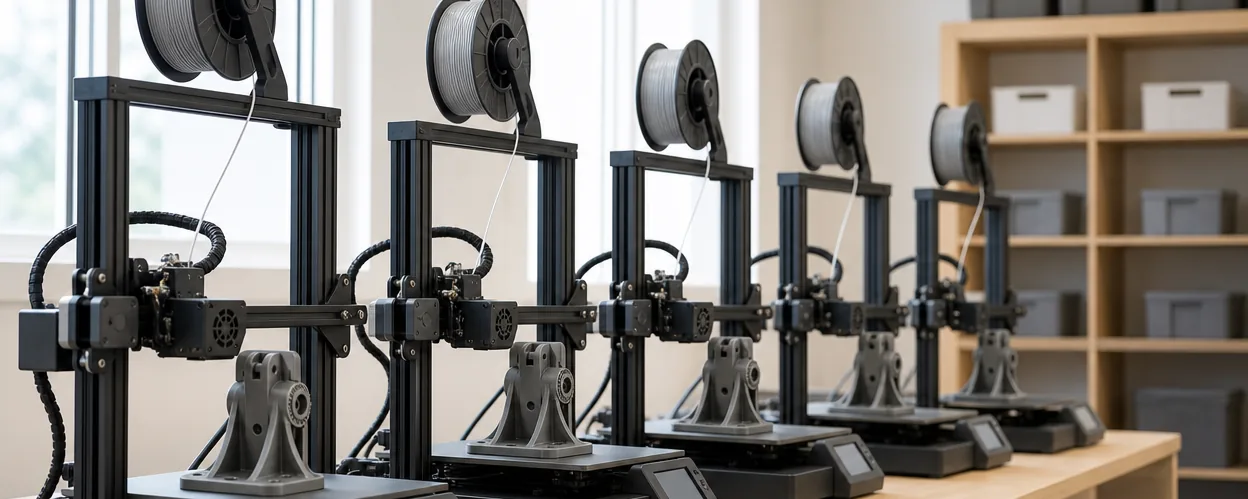
Educational makerspaces typically have 10–30 different 3D printer models running simultaneously. A material that works perfectly on a Prusa MK4 may clog on an Ender 3 with a poorly calibrated extruder. You need a material with a wide processing window — forgiving enough for a wide variety of printers, but consistent enough that students don’t waste 2-hour prints on failures.